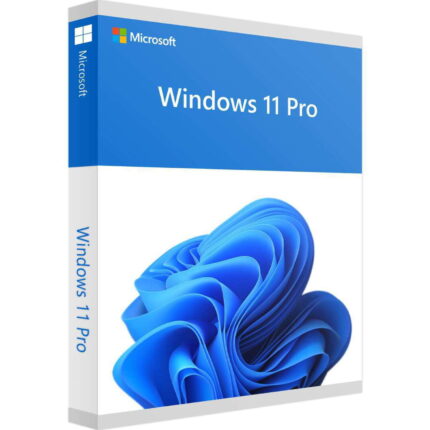
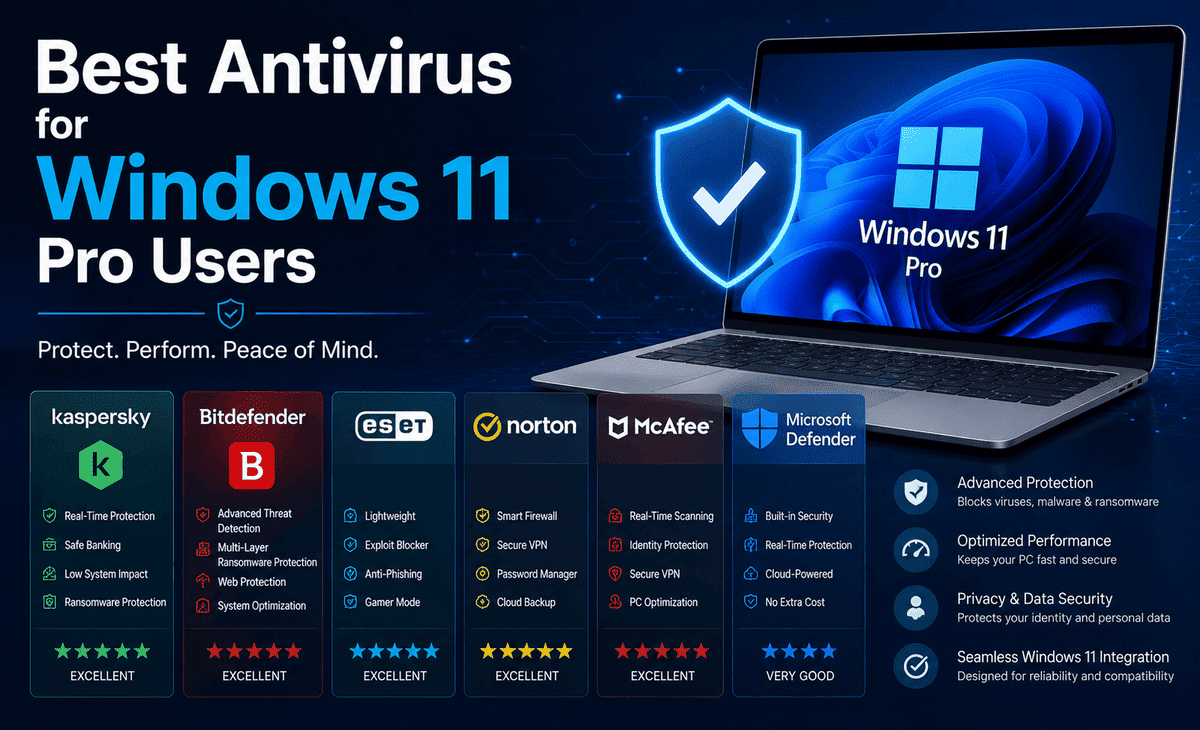
You finally upgraded to Windows 11 Pro. It looks great, runs smoothly, and comes packed with powerful features. But here is a question that keeps many users up at night: Is your computer actually safe from viruses, ransomware, and hackers?
The truth is that even the most modern operating system needs solid protection. Cyber threats are more advanced than ever. Fake websites, phishing emails, malicious downloads, and ransomware attacks happen every single day. Without the right antivirus, your personal files, passwords, banking details, and even your entire system could be at risk.
Table of Contents
So, which is the Best Windows Antivirus for Windows 11 Pro users? In this complete guide, we will explain what to look for, compare the top options, and walk you through setting up strong protection step by step. Whether you are a beginner or just want peace of mind, by the end, you will know exactly how to keep your Windows 11 Pro PC safe.
The Problem: Why Windows 11 Pro Still Needs Antivirus Protection
Many people assume that because Windows 11 Pro is new and advanced, it does not need extra antivirus software. This is a dangerous misconception.
It is true that Windows 11 Pro comes with built-in security through Microsoft Defender. But cyber threats evolve constantly, and attackers specifically design new malware to slip past standard defenses. Phishing scams trick you into giving away passwords. Ransomware locks your files and demands payment. Spyware quietly steals your data in the background. Zero-day attacks exploit weaknesses before they are patched.
A single click on a bad link or a malicious download can compromise your entire system. For anyone who shops online, works from home, stores important documents, or simply values their privacy, relying on minimal protection is a gamble. The right Windows 11 Pro Antivirus adds extra layers of defense that catch threats before they cause damage.
What Makes a Good Windows 11 Pro Antivirus?
Before comparing specific products, let us understand what separates a great antivirus from a mediocre one.
Strong Malware Detection
The most important job of any antivirus is detecting and removing threats. The Best Windows Antivirus uses real-time scanning, behavior analysis, and cloud-based threat intelligence to catch both known and brand-new malware.
Low System Impact
A good antivirus protects you without slowing down your PC. Heavy, bloated security software can make even a powerful Windows 11 Pro machine feel sluggish. The best options run quietly in the background with minimal impact on performance.
Extra Security Features
Modern antivirus suites offer more than just virus scanning. Look for features like a firewall, ransomware protection, a password manager, a VPN, web protection that blocks dangerous sites, and anti-phishing tools that guard against scam emails.
Easy to Use
For beginners, simplicity matters. The best antivirus has a clean interface, clear settings, and automatic updates so you do not have to be a tech expert to stay protected.
Good Value
Price matters too. Some excellent options are free, while premium suites offer more features for a yearly fee. The goal is to find the right balance of protection and cost for your needs.
Microsoft Defender: The Built-In Option
Let us start with what you already have. Windows 11 Pro includes Microsoft Defender Antivirus, which is built directly into the operating system at no extra cost.
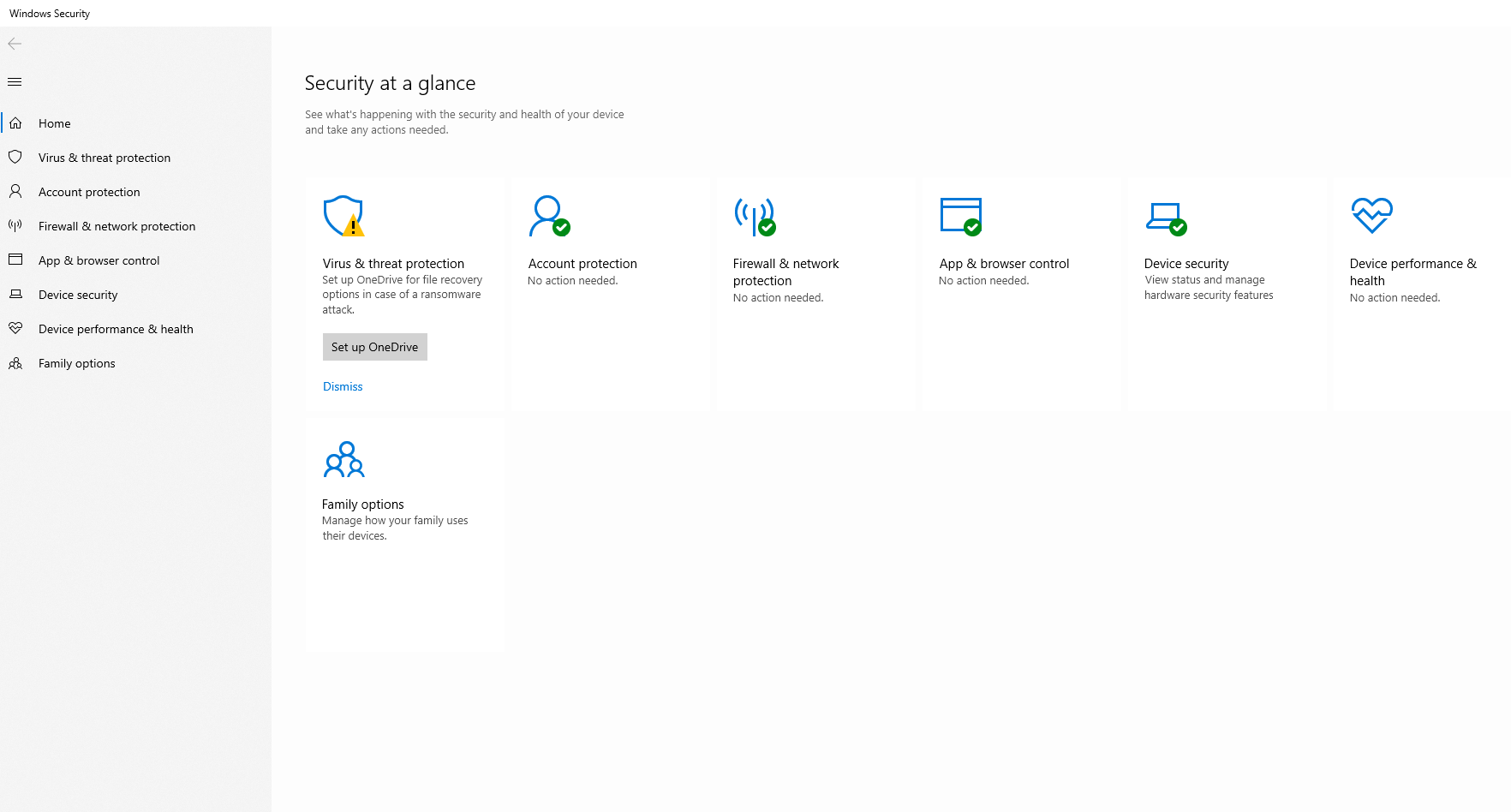
Microsoft Defender has come a long way. It now offers solid real-time protection, ransomware safeguards through Controlled Folder Access, cloud-delivered protection, and integration with the Windows Security dashboard. Independent testing labs consistently rate it as a capable antivirus that catches the majority of common threats.
For casual users who browse carefully, avoid risky downloads, and mainly use trusted websites, Microsoft Defender on Windows 11 Pro is often good enough. It is free, lightweight, and requires no setup since it is enabled by default.
However, Defender has limitations. Its anti-phishing protection works best within Microsoft’s Edge browser, its extra features are more basic than dedicated suites, and it lacks some advanced tools like a built-in VPN or a full-featured password manager. For users who want maximum protection, a third-party Windows 11 Pro Antivirus is worth considering.
The Best Antivirus Options for Windows 11 Pro
Here are the top antivirus choices that work excellently on Windows 11 Pro, each with its own strengths.
Bitdefender Total Security
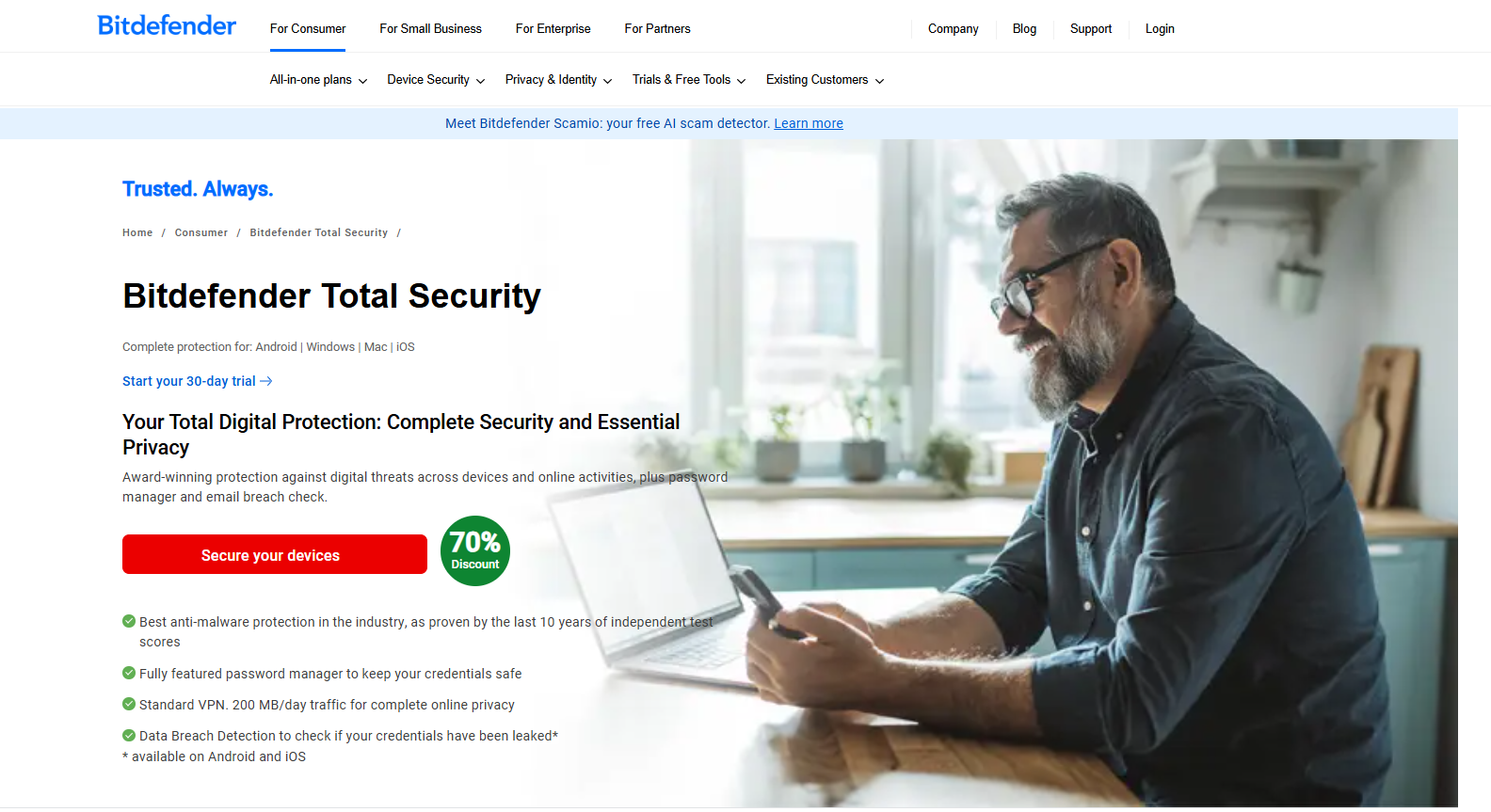
Bitdefender is consistently ranked among the Best Windows Antivirus options by independent testing labs. It offers outstanding malware detection, minimal system impact, and a rich set of features including ransomware protection, a VPN (with a daily data limit on lower tiers), anti-phishing, a password manager, and parental controls.
Best for: Users who want top-tier protection with a complete feature set and barely noticeable performance impact.
Norton 360 Deluxe
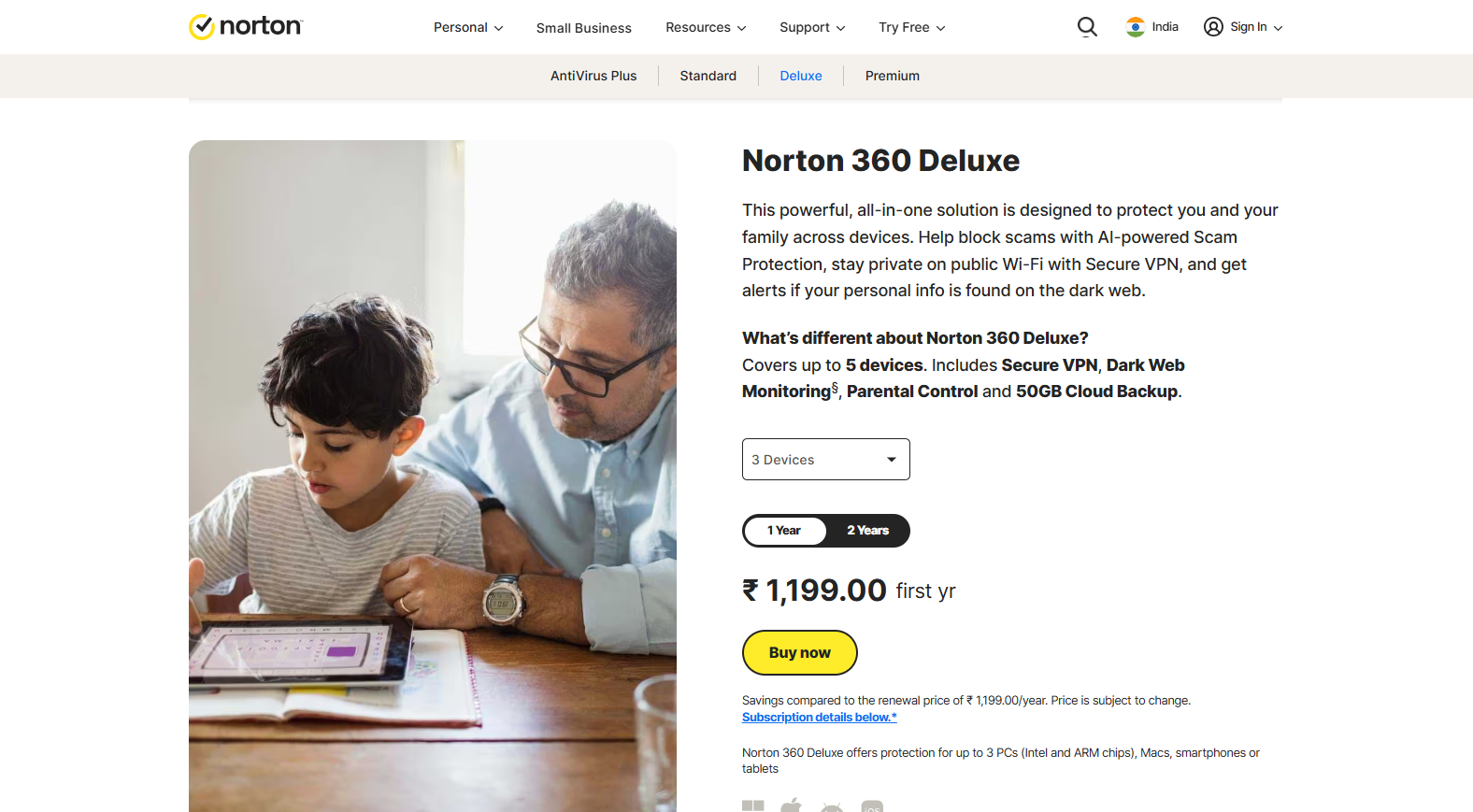
Norton 360 is a comprehensive security suite that goes beyond antivirus. It includes a full unlimited VPN, dark web monitoring, a password manager, cloud backup storage, and strong real-time threat protection. It is an excellent all-in-one package for users who want everything bundled together.
Best for: Users who want maximum features, including VPN and identity protection, in a single subscription.
Kaspersky Premium
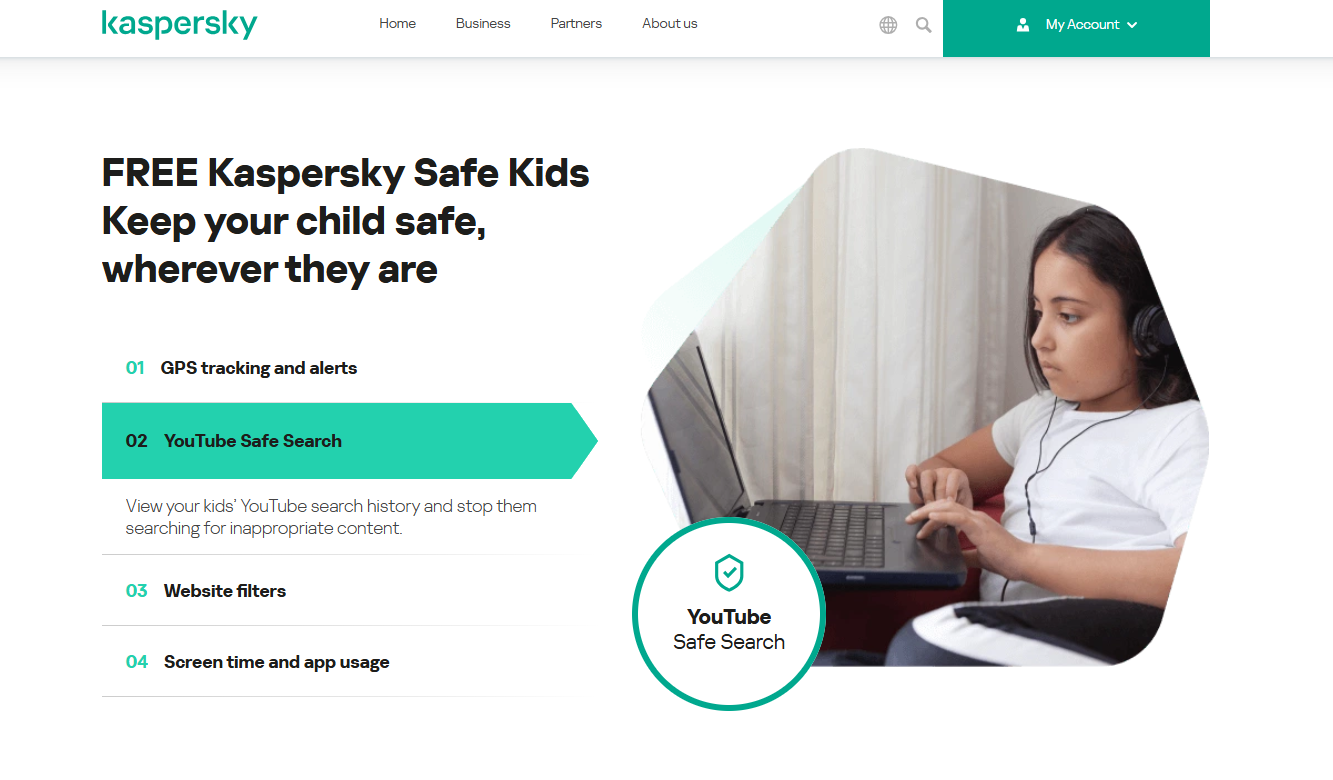
Kaspersky offers excellent malware detection, a clean interface, and strong privacy tools. It includes a VPN, password manager, and safe payment features for online banking. Note that some government agencies have raised concerns about Kaspersky, so check your region’s guidance before choosing it.
Best for: Users who prioritize detection accuracy and online banking protection.
ESET NOD32
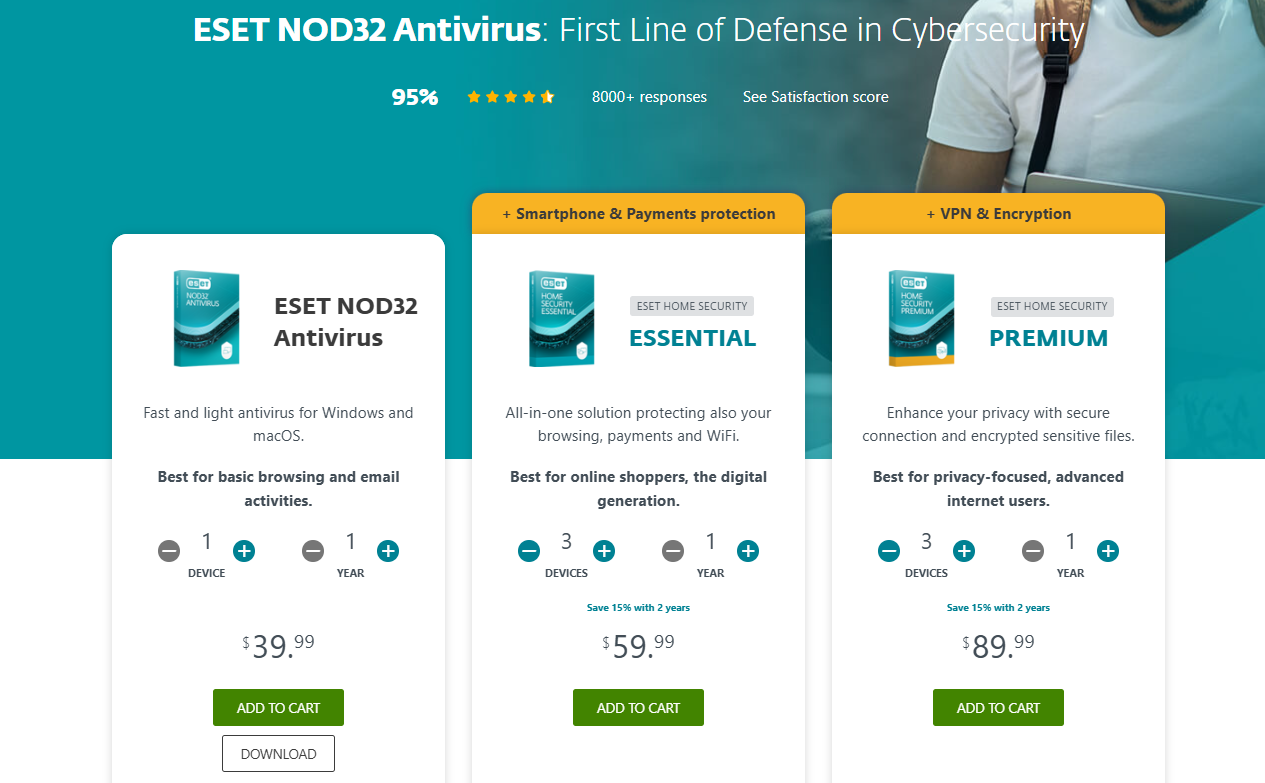
ESET is known for being lightweight and fast while still delivering strong protection. It is a favourite among users who want excellent security without any noticeable slowdown, making it great for older or lower-spec Windows 11 Pro machines.
Best for: Users who want minimal system impact and fast, reliable protection.
Malwarebytes Premium
Malwarebytes specializes in catching threats that other antivirus programs miss. Many people run it alongside their main antivirus or Microsoft Defender as a second layer of protection. It is particularly good at removing stubborn malware and blocking malicious websites.
Best for: Users who want an extra layer of protection or need to clean up an already-infected system.
Step-by-Step: How to Set Up Antivirus on Windows 11 Pro
Once you have chosen your antivirus, here is how to set it up properly.
Step 1 — Check your current protection. Open Settings, go to Privacy & Security, then click Windows Security. Here you can see if Microsoft Defender is active and whether any threats have been detected.
Step 2 — Choose your antivirus. Decide whether to stick with Microsoft Defender or install a third-party Windows 11 Pro Antivirus based on your needs and budget.
Step 3 — Download from the official source. If installing third-party software, always download it directly from the official website or an authorized retailer. Never download antivirus software from random links or unofficial sites. Fake antivirus programs are a common malware trick.
Step 4 — Install and activate. Run the installer and follow the prompts. Enter your license key if you purchased a premium version. The software will usually disable Microsoft Defender automatically to avoid conflicts, since running two real-time antivirus programs at once can cause problems.
Step 5 — Run a full system scan. After installation, run a complete scan to check your entire system for existing threats. This first scan may take a while, but it is important for a clean start.
Step 6 — Enable automatic updates and real-time protection. Make sure your antivirus updates its virus definitions automatically and that real-time scanning is turned on. This keeps you protected against the newest threats without manual effort.
Step 7 — Schedule regular scans. Set up weekly automatic scans so your system stays clean even if you forget to check manually.
Practical Tips to Keep Your Windows 11 Pro PC Secure
Antivirus software is essential, but smart habits matter just as much. Here are practical tips to maximize your security.
First, keep Windows 11 Pro updated because Microsoft regularly releases security patches to fix vulnerabilities. Enable automatic updates so your system stays protected at all times. Second, always use a genuine Windows 11 Pro Key, since pirated or unactivated copies often miss important updates and are more vulnerable to attacks. Third, be careful with email attachments and suspicious links because phishing is one of the most common ways malware spreads online.
Fourth, use strong and unique passwords for every account, and consider using a password manager to store them securely. Fifth, regularly back up important files to an external drive or cloud storage so ransomware cannot lock your only copy of data. Finally, enable the built-in Windows Firewall to add an extra layer of network security and help block unauthorized access or malicious activity.
A Realistic Example
Imagine Sarah, a freelance graphic designer who works from home on her Windows 11 Pro laptop. She handles client files, receives payments online, and downloads design assets from various websites. One day, she nearly clicked on a phishing email pretending to be from her bank.
Because Sarah had installed Bitdefender Total Security, its anti-phishing feature flagged the email and blocked the malicious link before she could enter her details. Her files stayed safe, her bank account was protected, and her business kept running smoothly. A free or basic setup might have missed that threat entirely.
This is exactly why pairing the Best Windows Antivirus with safe habits matters; it is the difference between a close call and a costly disaster.
FAQ
Does Windows 11 Pro need a separate antivirus?
Windows 11 Pro comes with Microsoft Defender, which provides solid baseline protection. For casual, careful users, it is often enough. However, if you handle sensitive data, shop and bank online frequently, or want advanced features like a VPN and identity protection, a third-party Windows 11 Pro Antivirus offers stronger, more complete security.
Is Microsoft Defender good enough for Windows 11 Pro?
For everyday browsing and basic use, yes. Microsoft Defender is a capable, free antivirus that catches most common threats and is rated well by independent labs. But it lacks some advanced features found in premium suites, so power users and those wanting maximum protection often prefer a dedicated solution.
Can I run two antivirus programs at the same time on Windows 11 Pro?
You should not run two real-time antivirus programs simultaneously, as they can conflict and slow down your system. However, you can pair a main antivirus with an on-demand scanner like Malwarebytes that does not run in real time, giving you an extra layer of protection without conflicts.
Will antivirus software slow down my Windows 11 Pro PC?
The Best Windows Antivirus options, like Bitdefender, ESET, and Norton, are designed to run efficiently with minimal performance impact. On a modern Windows 11 Pro machine, you likely will not notice any slowdown during normal use. Older or lower-spec PCs benefit from lightweight options like ESET NOD32.
Does using a genuine Windows 11 Pro Key improve security?
Yes. A genuine Windows 11 Pro Key ensures your operating system receives all official security updates and patches from Microsoft. Pirated or unactivated copies often miss critical updates, leaving your system exposed to known vulnerabilities that attackers actively exploit.
Conclusion
Protecting your Windows 11 Pro PC is not optional in today’s world of constant cyber threats. The good news is that you have excellent choices at every budget level.
If you are a careful, casual user, the built-in Microsoft Defender on Windows 11 Pro provides reliable, free protection that works out of the box. If you want stronger security with extra features, the Best Windows Antivirus options like Bitdefender Total Security, Norton 360 Deluxe, and ESET NOD32 offer comprehensive protection with minimal performance impact.
Whichever you choose, remember that no antivirus replaces smart habits. Keep your system updated, use a genuine Windows 11 Pro Key, avoid suspicious links, use strong passwords, and back up your files regularly. Combine the right Windows 11 Pro Antivirus with these practices, and you will enjoy your computer with complete peace of mind.
Your Windows 11 Pro deserves real protection. Take a few minutes today to set up strong security, and you will protect everything that matters: your files, your privacy, and your digital life for years to come.