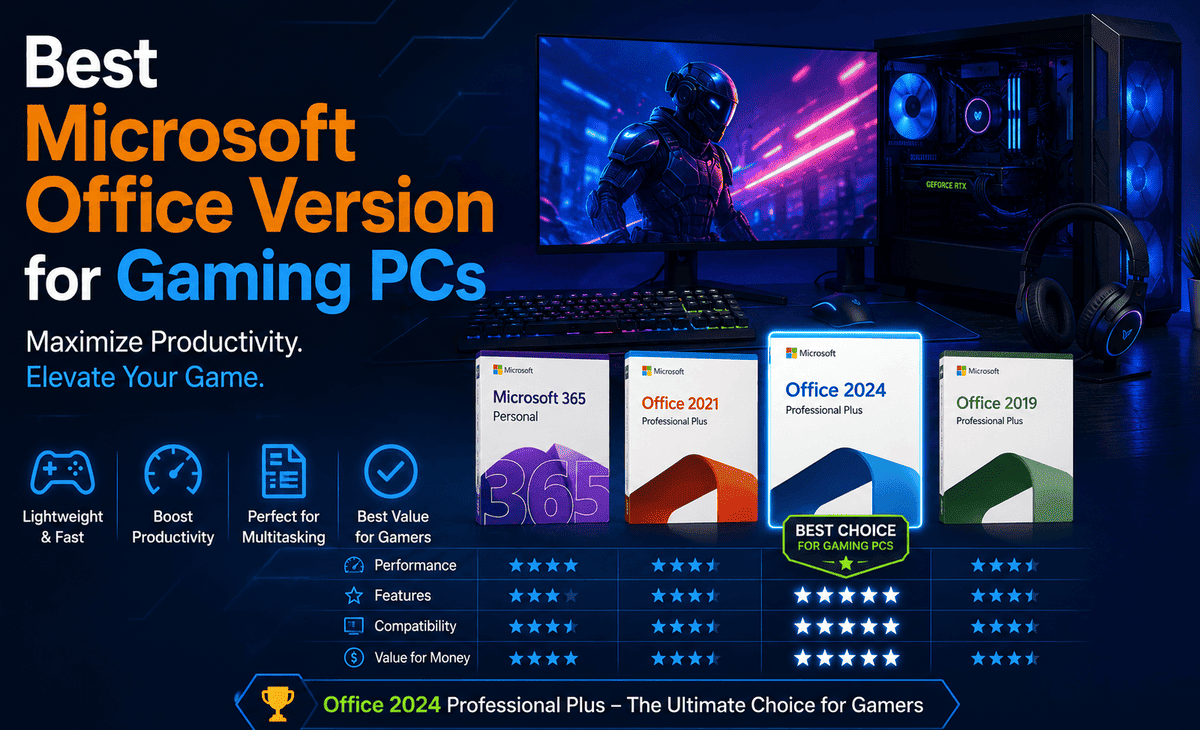
You built or bought a gaming PC for one reason: to play games at the highest settings, with the smoothest frame rates, and the best possible experience. But here is the thing: your gaming PC is not just a gaming machine. It is also where you write essays, manage your budget, send emails, prepare presentations for school or work, and handle countless everyday tasks.
That is where Microsoft Office comes in. The right Microsoft Office Version on your gaming PC means smooth productivity without slowing down your games or eating into your precious storage and RAM. Pick the wrong version, and you might end up with software that feels heavy, outdated, or just not worth the money.
Table of Contents
So, which is the Best Microsoft Office Version for your gaming PC in 2026? In this guide, we will compare the most popular options, Microsoft Office 2021 Pro Plus and Microsoft Office 2024 Pro Plus, along with subscription alternatives. By the end, you will know exactly which version to install on your Best Gaming PC.
The Problem: Why Your Gaming PC Deserves the Right Office Version
Many gamers do not think much about Office software. They focus on graphics cards, processors, RAM, and SSDs. Then they download the cheapest or most familiar Office version they can find, often without realizing that it can affect their overall experience.
The wrong Microsoft Office Version can take up unnecessary storage that you would rather use for game installs. It can run background processes that slightly slow down your system. It can also miss features that make studying, streaming, or content creation easier. And if it is unsupported or pirated, it opens your gaming PC to security risks that could cost you your saved games, login credentials, or personal data.
Choosing the right Office version is not about being fancy. It is about getting the best balance of features, performance, and price for the way you actually use your gaming PC.
What to Look For in an Office Version for Gaming PCs
Before comparing versions, let us clarify what really matters when picking Office software for a gaming PC.
Performance and Resource Usage
Your gaming PC has powerful components, but every gigabyte of RAM and every CPU cycle counts when you are gaming, streaming, or running Discord, OBS, and a browser at the same time. The ideal Office version runs efficiently, uses minimal background resources, and does not interfere with your games.
Storage Footprint
Modern games are huge. Titles like Call of Duty, Cyberpunk 2077, and Microsoft Flight Simulator can easily eat up 100+ GB each. Office takes up space too, so a version that does not bloat your SSD is a real plus.
Features You Actually Use
If you only need Word, Excel, and PowerPoint for school or basic work, paying for advanced enterprise features is a waste. On the other hand, if you are a streamer creating thumbnails in Publisher or managing databases in Access, the full Pro Plus version makes sense.
Long-Term Value
A gaming PC is a multi-year investment. Your Office software should be too. A one-time purchase that lasts five to seven years often makes more financial sense than a recurring subscription that adds up over time.
Comparing Microsoft Office Versions for Gaming PCs
Let us go through the main options available today and see how each one fits a gaming PC setup.
Microsoft Office 2021 Pro Plus
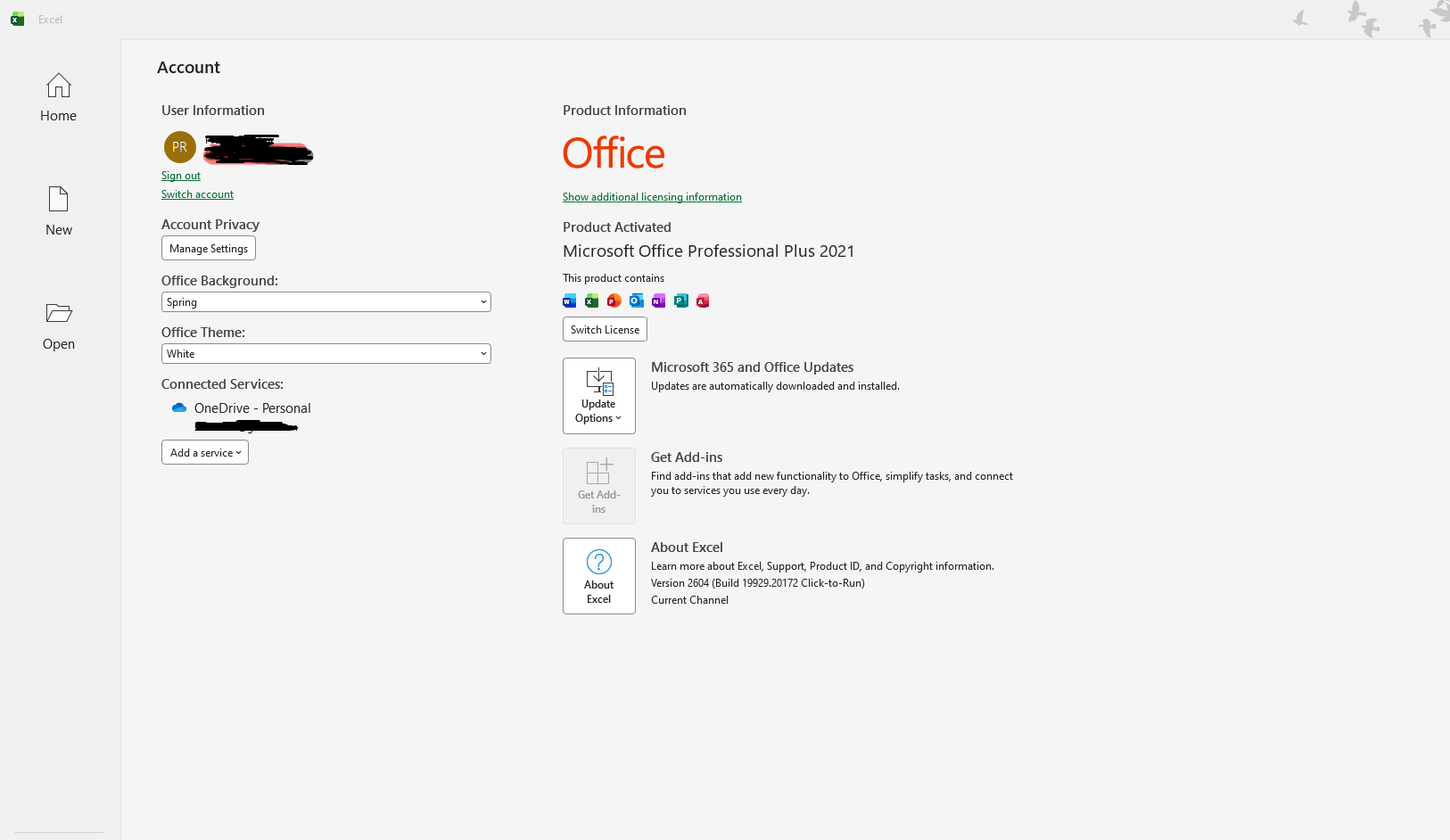
Microsoft Office 2021 Pro Plus is the older perpetual-license version from late 2021. It is a one-time purchase that includes Word, Excel, PowerPoint, Outlook, Access, and Publisher.
For gaming PCs, Office 2021 Pro Plus has several advantages. It runs smoothly on virtually any modern system, takes up roughly 4 to 6 GB of storage, and uses minimal RAM when idle. It works perfectly on both Windows 10 and Windows 11.
The downsides are that some newer Excel functions and design refreshes are missing, and Microsoft’s support window for Office 2021 ends in October 2026. If you buy it today, you have a limited support runway, although the software will continue to work after that date.
Best for: Gamers who want a budget-friendly, lightweight Office that handles everyday tasks reliably and do not mind a shorter support timeline.
Microsoft Office 2024 Pro Plus
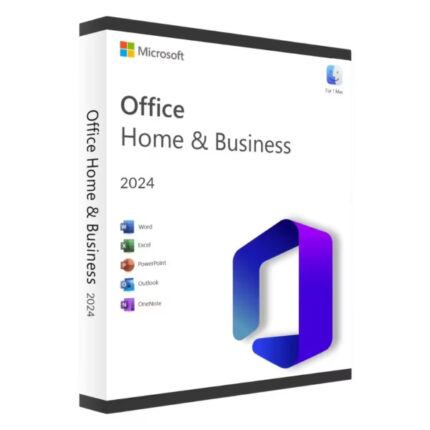
Microsoft Office 2024 Pro Plus is the latest perpetual release, launched in October 2024. Like its predecessor, it is a one-time purchase with no subscription required. It includes Word, Excel, PowerPoint, Outlook, OneNote, and Access.
For gaming PCs, Office 2024 Pro Plus brings several upgrades worth noting. It has a refreshed Fluent Design interface that matches the look of Windows 11. Excel gets new functions like TEXTSPLIT, VSTACK, and GROUPBY. PowerPoint lets you embed live camera feeds during presentations. Word recovers documents automatically if it crashes. And most importantly, security support extends until October 2029, giving you years of peace of mind.
Resource usage is similar to Office 2021 efficient enough that you will not notice it impacting your games. Storage requirements are slightly larger, around 5 to 7 GB, but trivial on a typical gaming PC with at least a 1 TB SSD.
Best for: Gamers who want the latest features, the longest support timeline, and the strongest long-term value from a single purchase.
Microsoft 365 Subscription
Microsoft 365 is the subscription version of Office. You pay monthly or yearly, get continuous feature updates, and receive 1 TB of OneDrive cloud storage along with the apps.
For gaming PCs, Microsoft 365 has appeal if you want the absolute latest features the day they release, you use multiple devices, or you value the cloud storage for backing up game saves and screenshots. However, the recurring cost adds up over time far more than a one-time Pro Plus license over a five-year period.
Best for: Gamers who use Office heavily, work across multiple devices, or want OneDrive cloud storage included.
Office Home & Student or Home & Business
These editions are cheaper one-time-purchase options aimed at home users. They include Word, Excel, and PowerPoint, but skip apps like Access, Publisher, and Outlook (Home & Student does not include Outlook).
Best for: Casual gamers who only need basic document, spreadsheet, and presentation tools and do not need email or database features.
Step-by-Step: How to Choose the Best Microsoft Office Version for Your Gaming PC
Use this simple step-by-step approach to land on the right pick.
Step 1 — List your actual Office tasks. Think about what you really use Office for. Just school papers and basic spreadsheets? Heavy data work? Email management? Presentations? Database building? Be honest about your needs.
Step 2 — Set your budget. Decide whether you prefer paying once and owning the software forever, or paying a smaller amount every month or year for continuous updates.
Step 3 — Check your storage situation. If your gaming PC has plenty of SSD space (1 TB or more), storage is not a concern. If you are working with a 500 GB drive and lots of installed games, lean toward a leaner Office version.
Step 4 — Think about your timeline. How long do you plan to use this Office version? If five-plus years, go with Office 2024 Pro Plus for the longer support window. If you just need something for a year or two, the cheaper Office 2021 Pro Plus might be enough.
Step 5 — Match version to needs. Use the comparison above to pair your situation with the right version. For most gaming PC users in 2026, Microsoft Office 2024 Pro Plus is the smart middle ground modern features, long support, one-time purchase.
Practical Tips for Running Office Smoothly on a Gaming PC
Here are some real-world tips to make sure Office performs perfectly on your Best Gaming PC.
First, install Office on your SSD, not on a secondary hard drive. The fast load times match the snappy performance of your games and apps. Second, disable startup apps for Office unless you actually use them every day this keeps your boot times quick and your gaming sessions clean. Third, keep Office updated through Microsoft’s official update channel. Outdated Office versions are more vulnerable to security issues, which can be a real problem for accounts tied to your gaming setup. Fourth, if you stream or record gameplay, install Office on the same drive as your operating system so your capture drive remains dedicated to video files. Fifth, if you are short on RAM during gaming sessions, close Office apps before launching demanding titles they free up around 200 to 500 MB instantly.
A Realistic Example
Let us say you are a college student who plays competitive games like Valorant and Apex Legends on weekends and uses your gaming PC for class assignments during the week. You write papers in Word, build spreadsheets for stats, and create occasional PowerPoint presentations. You do not need Access or Publisher.
For you, Microsoft Office 2024 Pro Plus is the ideal choice. You get all the core apps you need, the modern interface looks great alongside your gaming setup, and the support runs until 2029 covering your entire college timeline and beyond. One purchase, no recurring fees, no compatibility issues with your friends’ files.
Compare that to a content creator who streams on Twitch, manages multiple email accounts, edits images in Publisher, and tracks viewership data across spreadsheets. They also benefit from Microsoft Office 2024 Pro Plus because the new Excel functions speed up data tracking, while the recovery features and live camera embedding in PowerPoint add real value to their content workflow.
FAQ Section
Will installing Microsoft Office slow down my gaming PC?
No, not in any meaningful way. Modern Microsoft Office versions like Microsoft Office 2024 Pro Plus and Microsoft Office 2021 Pro Plus are designed to be lightweight when idle. They use only a few hundred MB of RAM and almost no CPU when you are not actively using them, which means zero impact on your gaming performance.
Is Microsoft Office 2024 Pro Plus better than Microsoft Office 2021 Pro Plus for a gaming PC?
For most gamers buying today, yes. Microsoft Office 2024 Pro Plus offers a longer support window through October 2029, modern interface improvements, and new Excel functions that make spreadsheets faster to build. It is the smarter long-term investment for any Best Gaming PC.
Can I use the same Microsoft Office license on multiple computers?
It depends on the Microsoft Office Version you buy. Most perpetual one-time-purchase licenses like Office 2024 Pro Plus are tied to one device. Microsoft 365 subscriptions allow installation on multiple devices for a single user, which can be convenient if you have a gaming PC plus a laptop.
Do I need Office if I already have free alternatives like Google Docs?
Free alternatives work fine for simple tasks. But if you frequently exchange files with classmates, colleagues, or clients who use Microsoft formats, Office gives you guaranteed compatibility. Complex documents and spreadsheets often look different when opened across platforms, and a Microsoft Office Version eliminates that risk.
How much storage does Microsoft Office take on a gaming PC?
A full installation of Microsoft Office 2024 Pro Plus or Microsoft Office 2021 Pro Plus uses roughly 5 to 7 GB of storage. That is a small fraction of a typical gaming PC’s storage and will not noticeably affect how many games you can keep installed.
Final Recommendation
If you want a single clear recommendation, here it is: for most gaming PC owners in 2026, Microsoft Office 2024 Pro Plus is the best Microsoft Office Version to install. You get the latest features, the longest support timeline through 2029, a one-time payment with no recurring subscriptions, and rock-solid performance that will not interfere with your games.
If your budget is tight or you only need Office for the short term, Microsoft Office 2021 Pro Plus remains a solid alternative just keep in mind that mainstream support ends in October 2026, so its long-term value is limited.
For gamers who use Office heavily across multiple devices and want OneDrive cloud storage, Microsoft 365 is worth considering, even with its ongoing cost.
Whichever you choose, always buy from authorized sources Microsoft’s official store or certified retailers to ensure your license is genuine and your gaming PC stays secure. A good Office setup pairs perfectly with a powerful gaming rig, giving you the freedom to game hard, study smart, and create whatever you can imagine all on the same machine.