
Table of Contents
What is Windows Server 2019 Standard?
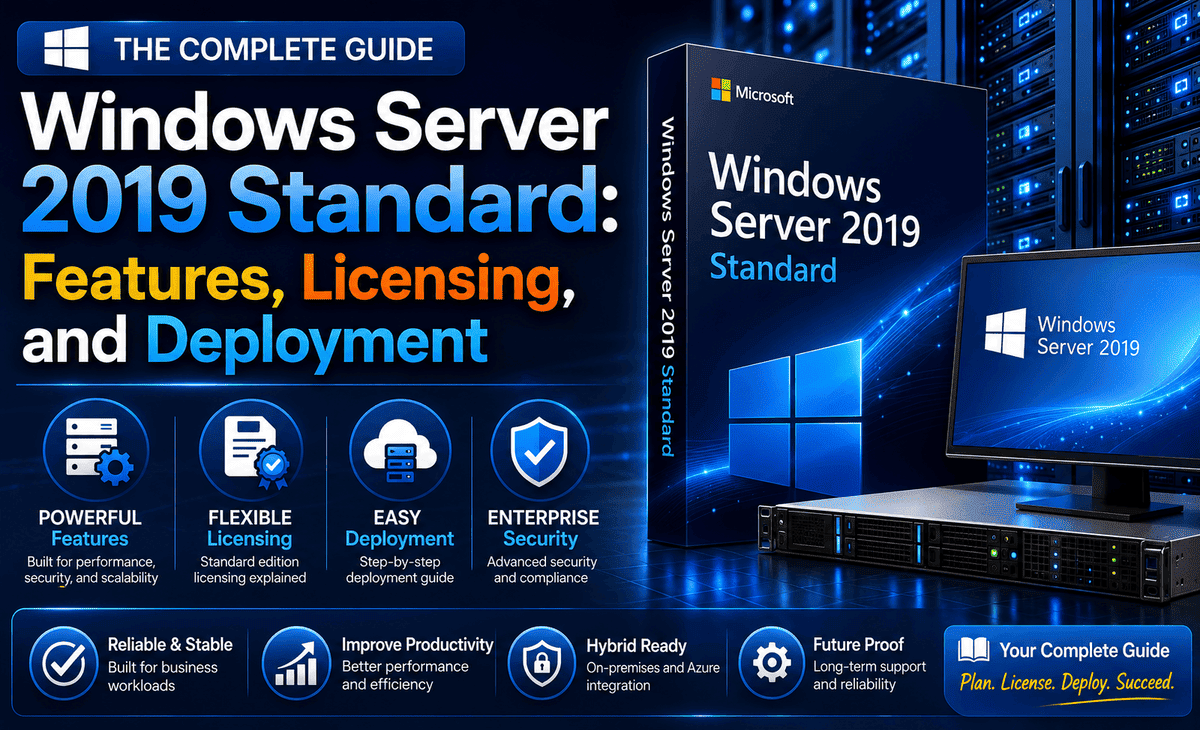
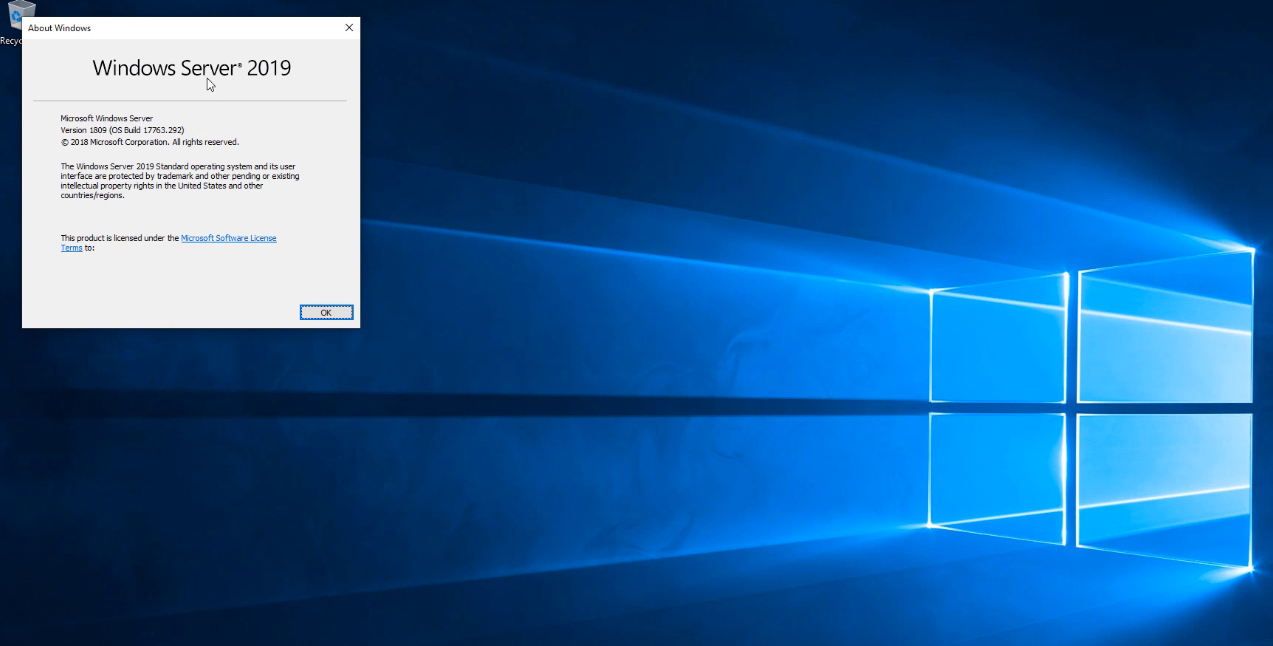
Windows Server 2019 Standard is an enterprise server operating system developed by Microsoft for physical servers or environments with limited virtualization needs. The edition bridges on-premises environments with Azure services, enabling hybrid scenarios that maximize existing investments. Built on the foundation of Windows Server 2016, the Standard edition delivers innovations across four key themes: Hybrid Cloud, Security, Application Platform, and Hyper-Converged Infrastructure.
The Standard edition is designed specifically for physical or minimally virtualized environments, offering core Windows Server functionality that includes all capabilities found in Windows Server Essentials 2019. User access operates on a CAL (Client Access License) basis, with no predetermined maximum user limit. The edition provides comprehensive server roles and services that support traditional on-premises deployments while facilitating integration with cloud-based resources.
From a virtualization perspective, Windows Server 2019 Standard includes permission for two OSEs (operating system environments) or virtual machines per license, plus one Hyper-V host. Organizations requiring additional virtual machines must purchase supplementary licenses. In addition to virtual machine limitations, the Standard edition supports up to two Hyper-V containers, though the number of Windows containers remains unlimited. Containers and micro-services enable organizations to create cloud-native applications and modernize traditional applications, with support for running Linux and Windows containers side by side.
The hybrid cloud capabilities of the Standard edition enable organizations to inventory and migrate data, security settings, and configurations from legacy systems to Windows Server 2019 or the Azure cloud. File server synchronization to Azure allows centralization of company file shares while preserving the flexibility and performance characteristics of local file servers. Applications running in local networks can leverage cloud innovations such as Artificial Intelligence and Internet of Things services.
Storage replica functionality in the Standard edition supports disaster recovery through server-to-server replication, though available volume capacity is limited to 2TB, compared to unlimited capacity in the Datacenter edition. The operating system offers two installation options: Server Core, a smaller installation without a local graphical user interface that supports all server roles and is managed remotely through Windows Admin Center, PowerShell, or other server management tools; and Server with Desktop Experience, which includes a full GUI.
Windows Server 2019 Standard vs Datacenter: Key Differences
Licensing and virtualization rights
Both editions operate under a core-based licensing model that requires licensing all physical cores on the server, with a minimum of 16 cores per license regardless of actual core count. The fundamental distinction between editions centers on virtualization rights. Windows Server 2019 Standard permits operation of one physical OSE and two virtual OSEs per license. Organizations requiring additional virtual machines must license all server cores again for each increment of two VMs. A server with 40 physical cores running nine VMs requires five complete Standard licenses covering 200 cores total.
Datacenter edition grants unlimited virtualization rights for Windows Server instances on licensed hardware. A single Datacenter license covering all physical cores enables unlimited VM deployment without additional licensing requirements. License stacking applies exclusively to Standard edition, wherein multiple license sets accumulate to support additional VM pairs. The virtualization rights remain independent of the hypervisor platform; Standard licenses purchased for a 48-core server permit two Windows Server VMs regardless of whether Hyper-V or VMware ESXi serves as the host.
Feature availability comparison
Datacenter edition includes Host Guardian Hyper-V Support, enabling execution of trusted software and management of keys required for shielded virtual machine startup. Standard edition lacks this capability and cannot manage shielded VM encryption keys. Storage Replica functionality differs substantially between editions. Standard supports one partnership and one resource group with volume capacity limited to 2TB, whereas Datacenter provides unlimited storage replication without volume restrictions.
Hyper-V container support diverges between editions. Standard permits two Hyper-V containers, while Datacenter enables unlimited Hyper-V containers alongside unlimited Windows containers. Both editions support unlimited Windows containers and offer identical maximum RAM capacity of 4 PB for hosts supporting 5-level paging.
Pricing and cost considerations
Microsoft lists Standard edition at USD 1,176 for a 16-core license and Datacenter at USD 6,771 for equivalent core coverage. The Datacenter edition costs approximately 5.75 times more than Standard per 16-core license. Break-even analysis indicates Datacenter becomes cost-effective when VM count reaches 12 to 14 instances per host. Below this threshold, stacking Standard licenses proves more economical. A server requiring 10 VMs necessitates five Standard licenses, approaching Datacenter pricing without exceeding it.
When to choose Standard over Datacenter
Standard edition suits physical or minimally virtualized environments where VM density remains below 12 instances per host. Organizations running two to eight VMs per physical server achieve optimal licensing efficiency with Standard edition. Physical servers functioning primarily as application hosts without extensive virtualization requirements benefit from Standard’s lower entry cost. Datacenter edition becomes rational only when infrastructure scale enables full utilization of unlimited virtualization rights.
Core Features and Capabilities of Windows Server 2019 Standard Edition
Server roles and services
The edition supports comprehensive server roles that enable organizations to configure physical or virtual servers according to infrastructure requirements. Active Directory Domain Services manages authentication of users and devices, enforces security policies, and provides foundational network management capabilities. DHCP Server automates IP address assignment to network devices, while DNS Server translates domain names into machine-readable IP addresses. File and Storage Services facilitate centralized file sharing with configurable permissions, and Print and Document Services provide networked printer management across the organization.
Server Core installations support most roles through remote management via Windows Admin Center or PowerShell, excluding roles that require graphical interfaces such as SharePoint Server 2019, Project Server 2019, and Microsoft Server Virtual Machine Manager 2019. Desktop Experience installations accommodate the full range of Windows Server roles without compatibility restrictions.
Security features
Windows Defender Advanced Threat Protection delivers host intrusion prevention through memory and kernel-level attack detection, with capabilities for suppressing malicious files and terminating harmful processes. Attack Surface Reduction blocks suspicious files from executing, while Network Protection prevents outbound connections to untrusted hosts through SmartScreen integration. Controlled Folder Access safeguards sensitive data against ransomware by restricting unauthorized process access to protected directories.
Credential Guard employs virtualization-based security to protect credential information from advanced persistent threats and compromised administrators. BitLocker provides hardware-based or virtual TPM disk encryption for data and system volumes. Just Enough Administration limits administrative privileges to minimum required actions, coupled with Just-in-Time Administration that restricts privileged access through audited, time-limited workflows.
Storage and file services
Storage Spaces Direct enables software-defined storage using industry-standard servers with local storage, supporting up to 4 petabytes per storage pool and 64 TB per volume. ReFS filesystem supports deduplication and compression, increasing storage capacity by factors of 2 to 10 times while maintaining volumes up to 64 TB. Storage Migration Service transfers data, configuration, permissions, and security settings from legacy systems to Windows Server 2019 or Azure environments without disrupting active usage.
Networking capabilities
Network stack improvements include TCP Fast Open, Receive Window Autotuning, and enhanced IPv6 support with dual-stack IPv4/IPv6 addressing. The platform dynamically distributes network workload processing to optimize efficiency without manual configuration. Software-Defined Networking remains unavailable in Standard edition, reserved exclusively for Datacenter deployments.
Hyper-V virtualization (2 VM limit)
Hyper-V supports generation 2 virtual machines with up to 2,048 virtual processors and 240 TB memory allocation. Each VM accommodates 256 SCSI controllers with 64 virtual hard disks per controller, supporting VHDX capacity of 64 TB per disk. The licensing restriction limits organizations to two Windows Server virtual machines per Standard license, though technical capabilities impose no artificial performance constraints. Organizations requiring additional instances must acquire supplementary core licenses in increments supporting two OSEs each.
Windows Server 2019 Standard License: Understanding Your Options
Core-based licensing model
Core licenses are sold in packs of two or packs of 16. Each processor requires licensing with a minimum of eight core licenses, while each physical server needs a minimum of 16 core licenses regardless of processor count. Organizations license additional cores beyond the 16-core minimum in increments of two or 16 cores. The Microsoft Windows Server 2019 Standard 16-core license lists at USD 418.99, with 2-core packs available at USD 62.49.
Client Access Licenses (CALs)
Windows Server 2019 Standard requires CALs for every user or device accessing the server. User CALs cover multiple devices per individual, while Device CALs cover multiple users per device. Organizations must license CALs at the highest Windows Server version deployed; environments with Server 2019 require 2019-level CALs for all users, regardless of other server versions present. Any device accessing Windows Server resources requires a CAL, including devices utilizing DNS, DHCP, or print services from the server.
Remote Desktop Services require separate RDS CALs in addition to standard Windows Server CALs. RDS CALs exist in per-device and per-user variants, with per-device CALs tracked by the license server and valid for 52-89 days before renewal. Per-user RDS CALs expire after 60 days and automatically extend upon user sign-in.
Server Core vs Desktop Experience installations
Server Core provides a minimal command-line interface managed through PowerShell or Windows Admin Center, resulting in smaller disk space requirements. Desktop Experience includes the standard graphical user interface with all management tools and client experience features. Conversion between installation types after deployment is not supported; organizations must perform clean installations to change installation options.
Evaluation and activation options
Evaluation editions convert to licensed versions through DISM commands. The conversion process requires uninstalling the evaluation key using DISM /online /Set-Edition:ServerStandard /ProductKey:N69G4-B89J2-4G8F4-WWYCC-J464C /AcceptEula, followed by system reboot and permanent key activation. The Generic Volume License Key (GVLK) N69G4-B89J2-4G8F4-WWYCC-J464C facilitates conversion but does not provide valid activation.
How to Download, Install, and Deploy Windows Server 2019 Standard
System requirements and prerequisites
Hardware specifications mandate a 1.4 GHz 64-bit processor compatible with x64 instruction set, supporting NX, DEP, CMPXCHG16b, LAHF/SAHF, and PrefetchW instructions. RAM requirements specify 2 GB minimum for Server Core installations and 4 GB recommended for Server with Desktop Experience. Disk space allocation requires 32 GB as absolute minimum, though this represents minimal viability for successful installation. Storage adapters must comply with PCI Express architecture specification, excluding PATA for persistent storage devices. Physical server deployments benefit from ECC RAM or equivalent technology.
Downloading the Windows Server 2019 Standard ISO
Microsoft Evaluation Center provides ISO downloads containing both Standard and Datacenter evaluation editions. Registration precedes download access, with evaluation versions expiring after 180 days. Volume Licensing Service Center serves licensed customers, while MSDN subscriptions offer additional access channels. Evaluation editions require internet activation within 10 days to prevent automatic shutdown.
Installation methods and best practices
Installation media creation utilizes diskpart.exe or PowerShell scripts for bootable USB preparation. BIOS configuration must prioritize USB or DVD boot order before installation commences. Setup prompts sequential language selection, product key entry, edition selection, and disk configuration. Administrator password configuration completes initial setup.
Post-deployment configuration steps
Installation of latest servicing packages through Microsoft Update Catalog represents initial post-deployment action. Sconfig utility facilitates Server Core configuration, while Windows Admin Center enables remote management. Driver updates from hardware vendors precede application of security baselines and enabling automatic updates.
FAQs
Q1. What are the licensing requirements for Windows Server 2019 Standard?
Windows Server 2019 Standard uses a core-based licensing model where you must license all physical cores on the server with a minimum of 16 cores per license. Each Standard license permits one physical operating system environment and two virtual machines. Client Access Licenses (CALs) are also required for every user or device accessing the server.
Q2. When does support end for Windows Server 2019 Standard?
Mainstream support for Windows Server 2019 ended on January 9, 2024. Extended support will continue until January 9, 2029, providing security updates and critical fixes during this period.
Q3. How do I activate Windows Server 2019 Standard?
You can activate Windows Server 2019 Standard using a product key during installation or post-installation. For volume licensing environments, configure a KMS (Key Management Service) host using the Volume Activation Tools wizard, install your organization’s KMS host key, and activate either online or by phone. Evaluation editions can be converted to licensed versions using DISM commands.
Q4. Can I run Windows Server 2019 Standard as a virtual machine with an OEM license?
Yes, you can activate a Windows Server 2019 Standard guest VM with an OEM license. The Standard edition includes rights for one physical operating system environment and two virtual operating system environments per license, allowing virtualization on the licensed hardware.
Q5. What’s the difference between Server Core and Desktop Experience installations?
Server Core is a minimal installation without a graphical user interface, managed remotely through PowerShell or Windows Admin Center, resulting in smaller disk space requirements. Desktop Experience includes the full graphical interface with all management tools. You cannot convert between these installation types after deployment and must perform a clean installation to change options.









